Your photos.A showcase that moves.
Drop your product photos into a template, tweak it live, and export a video —
nothing you upload ever leaves your device.
How it works
Three steps. No timeline to learn.
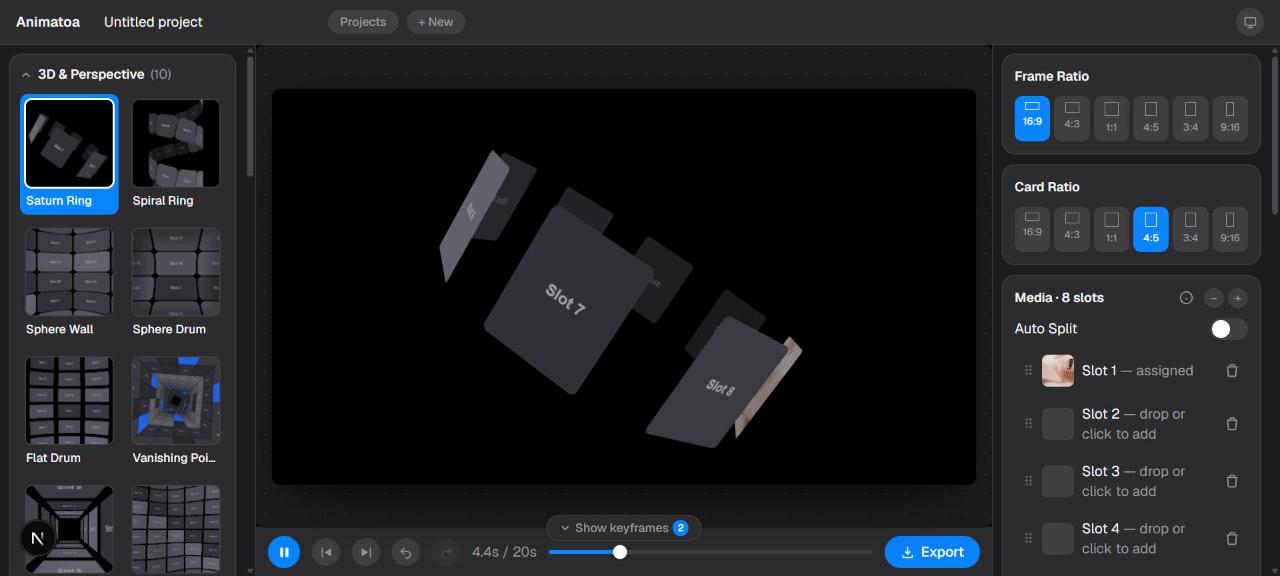
Drop a photo
Drag it into any slot and the live preview updates instantly — it renders on your device, no upload and no waiting on a queue.
Pick how it moves
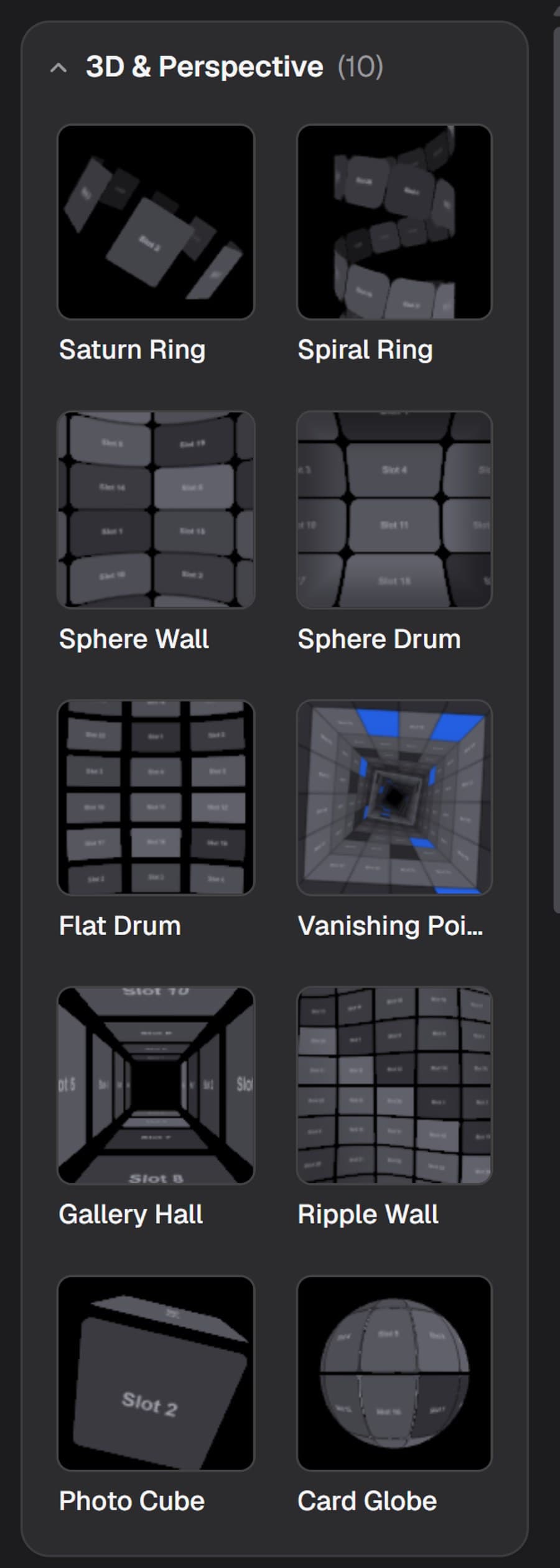
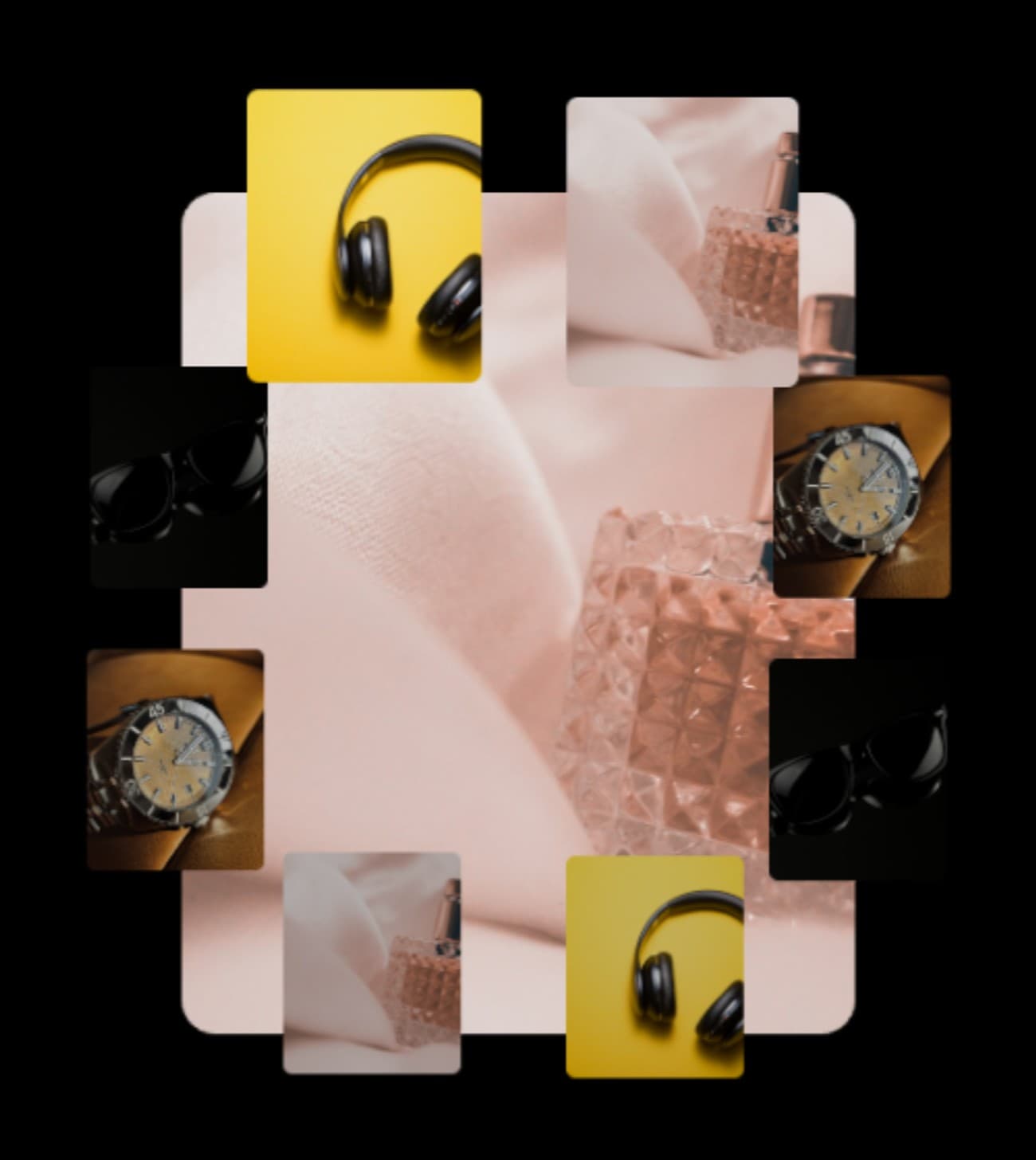
A spinning platter, a tight orbiting cluster, a slow cinematic pan — 28 showcase styles, every slider still yours to touch.
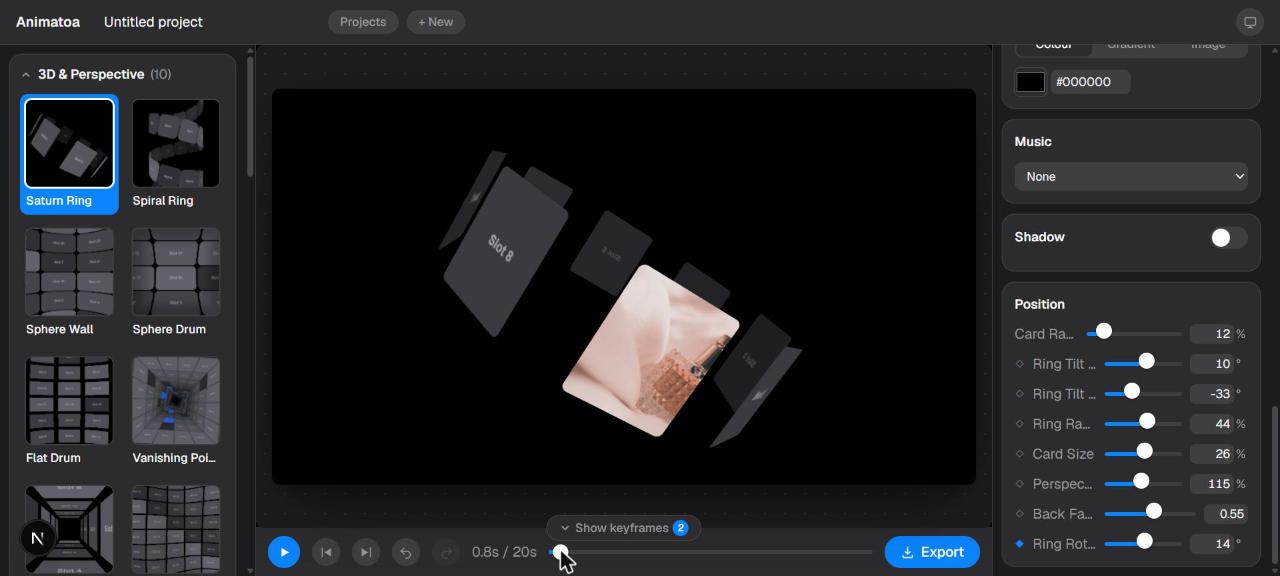
Export everywhere
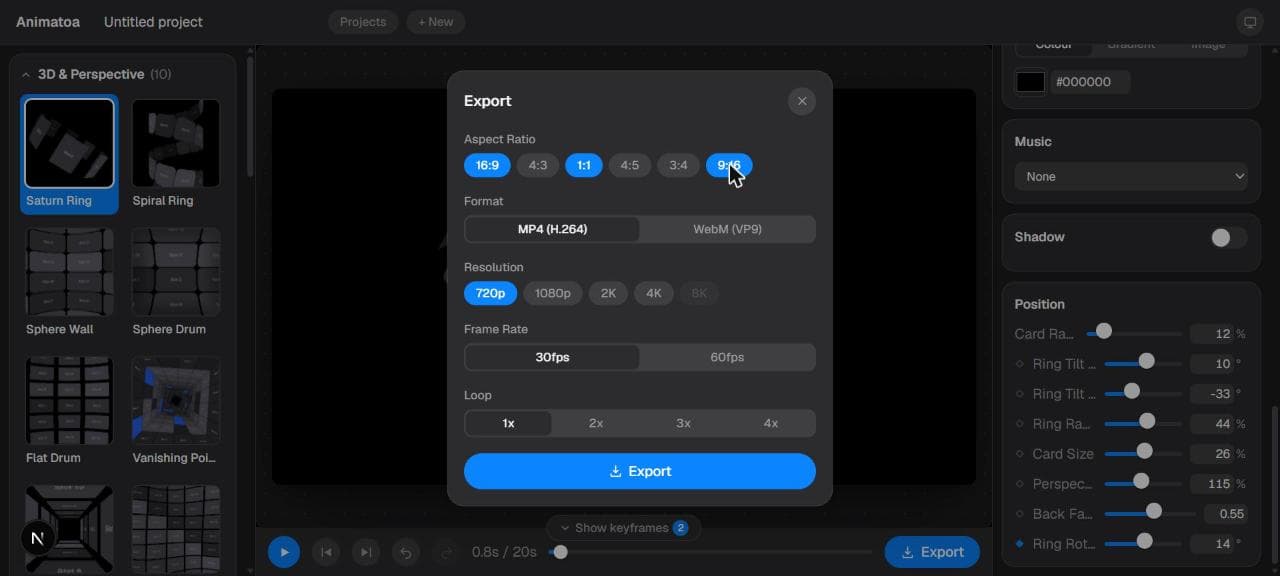
16:9 for the deck, 9:16 for the story, 1:1 for the feed — one click renders every ratio you picked, zipped together.
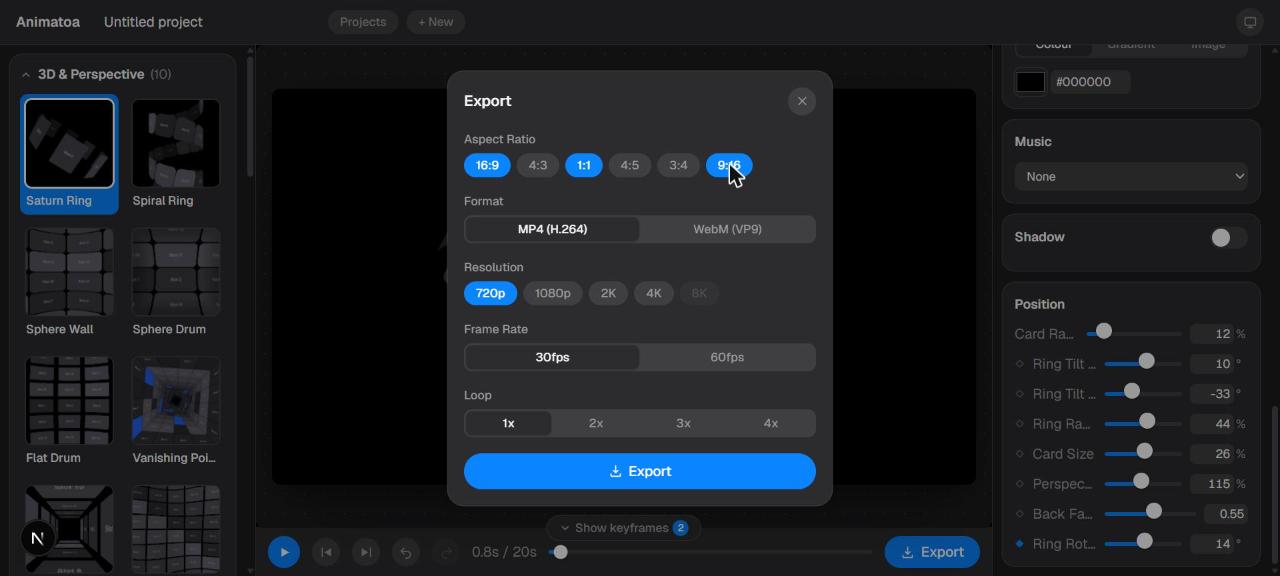
Showcase Animatoa
Every style, live.
Every category, live.
Orbit, 3D, carousel, grid, reveal — 28 templates, one shared engine.
See all styles →Built for
Anyone who needs a product to move.
E-commerce sellers
Turn a product photo into a listing video for Shopify, Etsy, or a marketplace feed.
Content creators
Spin up a Reel or TikTok product feature without opening a video editor.
Founders & indie makers
Show off a launch or a new feature with real motion, solo and fast.
Small studios & freelancers
Deliver a polished product video to a client without a motion designer on the team.
The editor
A real animation tool, not a magic button.
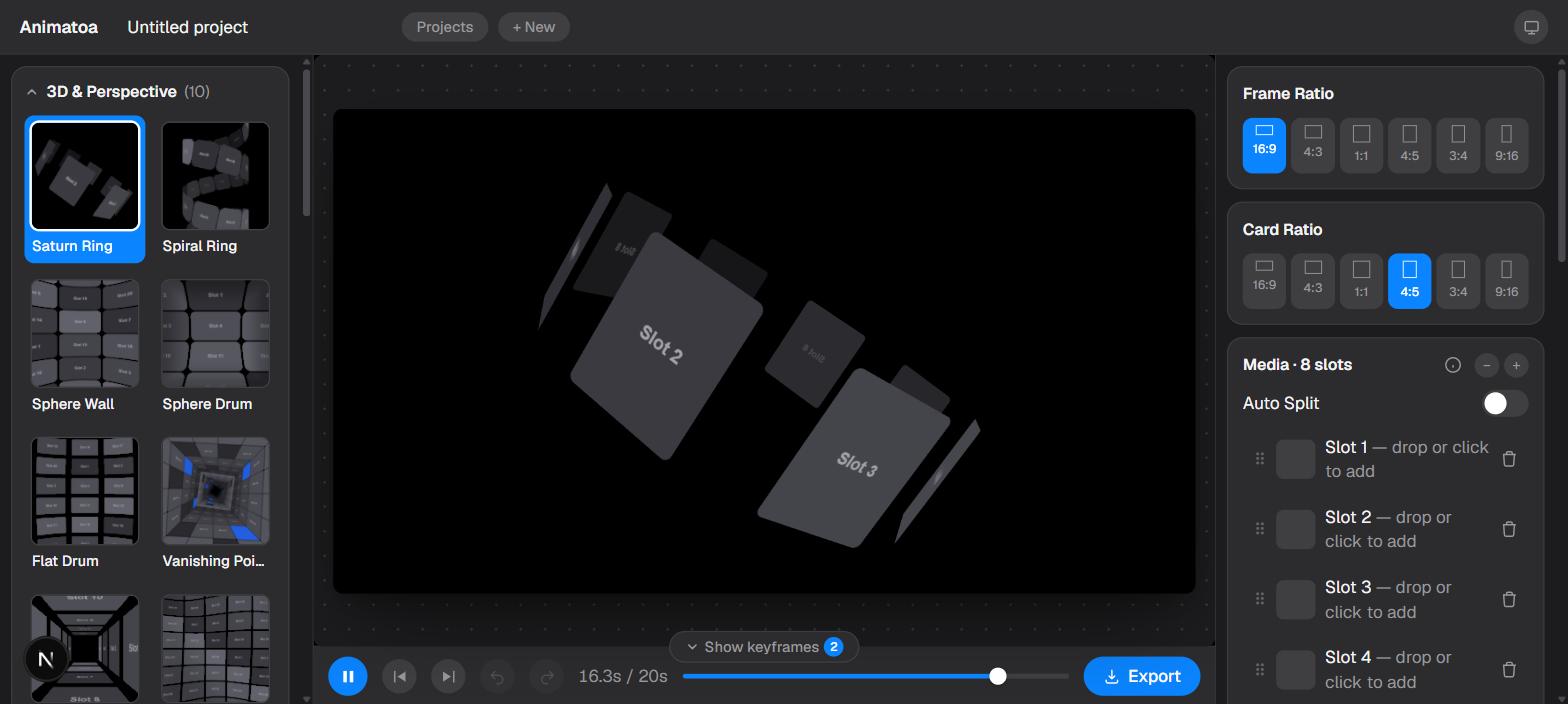
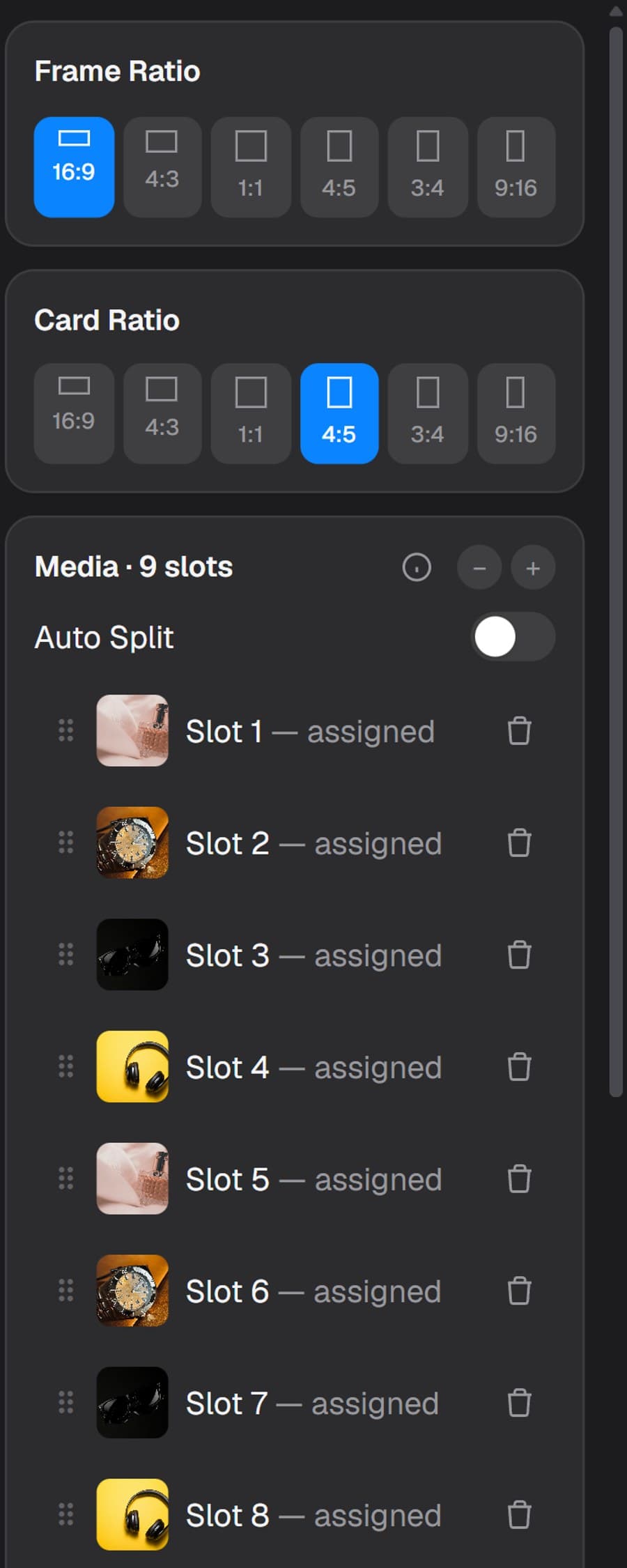
Every template opens into the same panel - frame and card ratios, a reorderable media list, and a keyframe on every slider. This is the actual app, not a mockup.
What makes Animatoa different
Animate any slider, not just the preset.
Every position, color, and template-specific knob has its own keyframe toggle. Arm the ones you want, move the playhead, and Animatoa builds the timeline in between — a real animation tool, not a fixed loop with your photo dropped in.
One export, every shape.
Pick every ratio the post needs — feed, story, banner, deck — and render them together in a single pass. One click, one zip, no re-exporting the same clip four times.
Why Animatoa
Built different, on purpose.
Minutes, not days.
Pick a template, drop a photo, export. No timeline to learn, no motion-design background required.
Real motion, not a slideshow.
Genuine 3D perspective and camera movement under the hood, not photos cross-fading in and out.
Nothing leaves your browser.
Every render happens locally on your machine — no upload, no server, no queue to wait in.
Free to actually start with.
A real free tier, not a seven-day trial. Pay only once you need 4K or no watermark.
Compared to the alternatives
The other ways to get this done.
Swipe to compare →
Why this exists
“Every product-showcase tool I tried either uploaded my photos somewhere, or came with a timeline I didn't have time to learn.
Animatoa is the tool I actually wanted — pick a style, drop a photo, and it just moves.”
— Danang, building Animatoa
Pricing
Start for free. Pro is on the way.
Free
$0
forever
- Most templates, unlimited edits
- 1080p export, watermarked
- Free account, no credit card
Pro
$7/mo
or $71.40/yr (save 15%)
- Every template, including Pro-only styles
- No watermark
- Export up to 4K
- Unlimited exports
- Every format in one pass
FAQ
Questions, answered.
Is Animatoa free?+
Yes — every template is free to try and tweak, no account needed. You’ll just need a free account (no credit card) to actually export your video.
Do my photos get uploaded anywhere?+
No. Rendering and exporting both happen on your own device — nothing is sent to a server.
Do you store my projects?+
Projects autosave locally in your browser as you work. Once you’re signed in, you can also sync a project to the cloud and pick it up on another device — the free plan syncs up to 2 projects at a time, Pro is unlimited.
What can I export?+
MP4 or WebM, in any aspect ratio you pick, up to 4K — and you can render several ratios together in one pass, zipped into a single download.
Will the animation loop seamlessly?+
Every template’s default motion is built to loop cleanly, and any keyframes you add on top are yours to shape.
Which browsers are supported?+
Chrome, Edge, and Safari (16.4 or newer) all work great. Firefox support is spottier right now.